
Point of sale & order flow
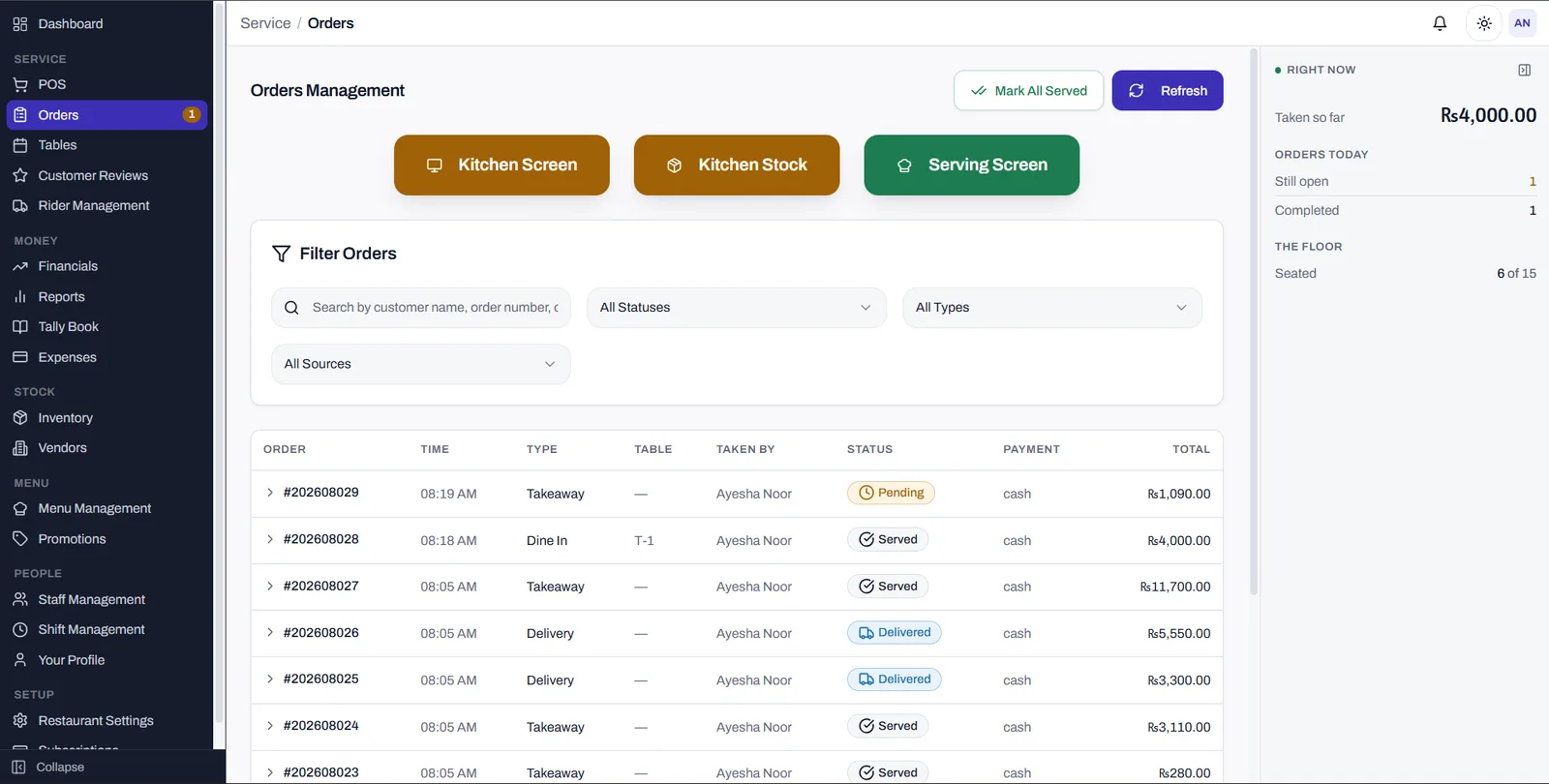
Touch-speed ordering sized for a queue and bad lighting, across dine-in, takeaway, delivery and platform orders — with kitchen, serving and order-number screens meant to be read from metres away.
Restaurants & Hospitality
A double-entry accounting system wearing a point of sale. Every order, shift close, purchase order and delivery settlement posts to a real ledger as it happens — so "what did we make yesterday, and where did it go" is a screen you open, not a month-end exercise with your accountant.
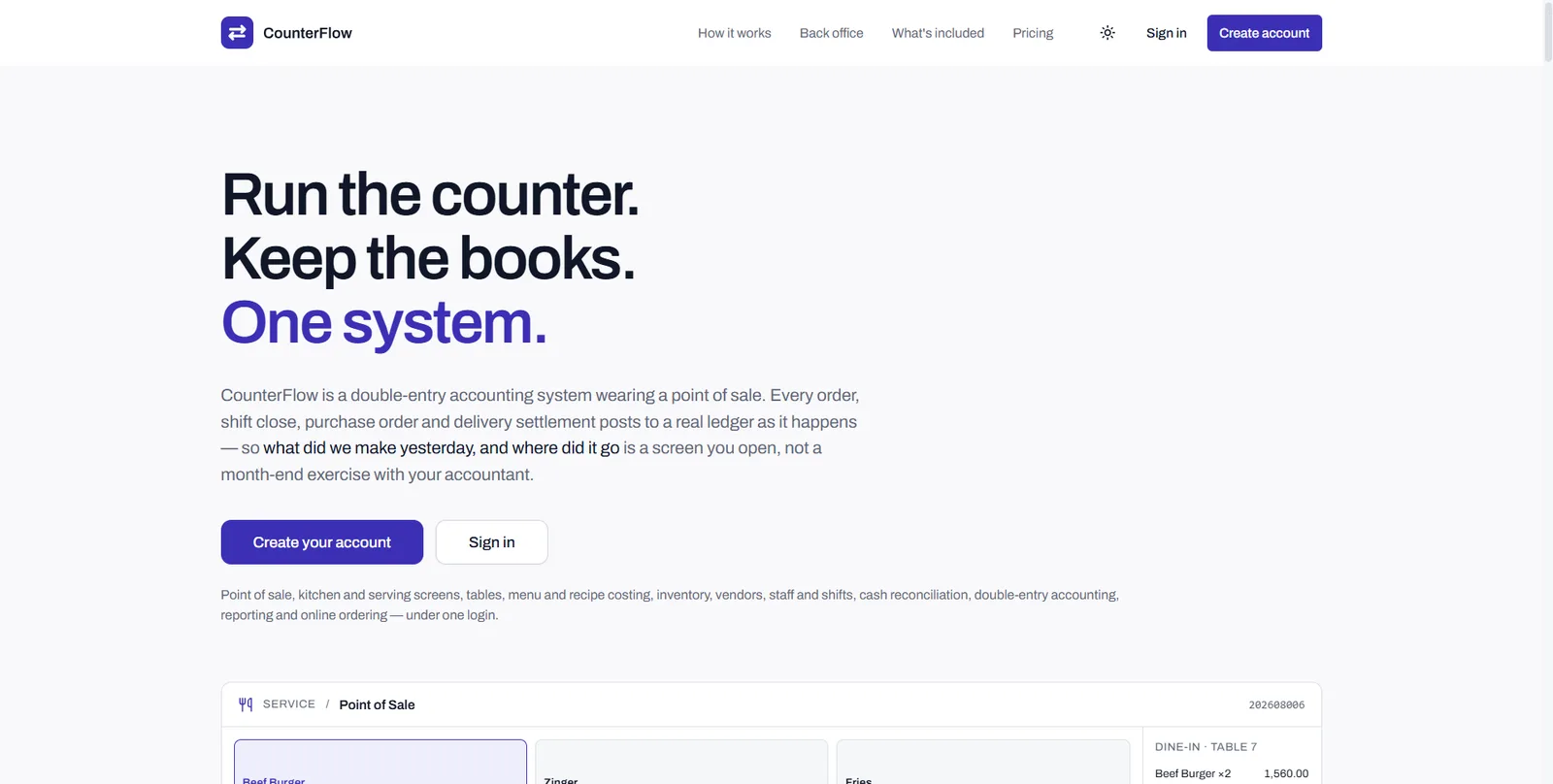
Most restaurants run a till, a spreadsheet and an accountant, then reconcile the three at the end of the month. CounterFlow makes them one act: a single order is taken, seen by the kitchen, carried by the table, taken down from stock, posted to the ledger, counted into the drawer, and filed as an invoice — with nothing re-typed.
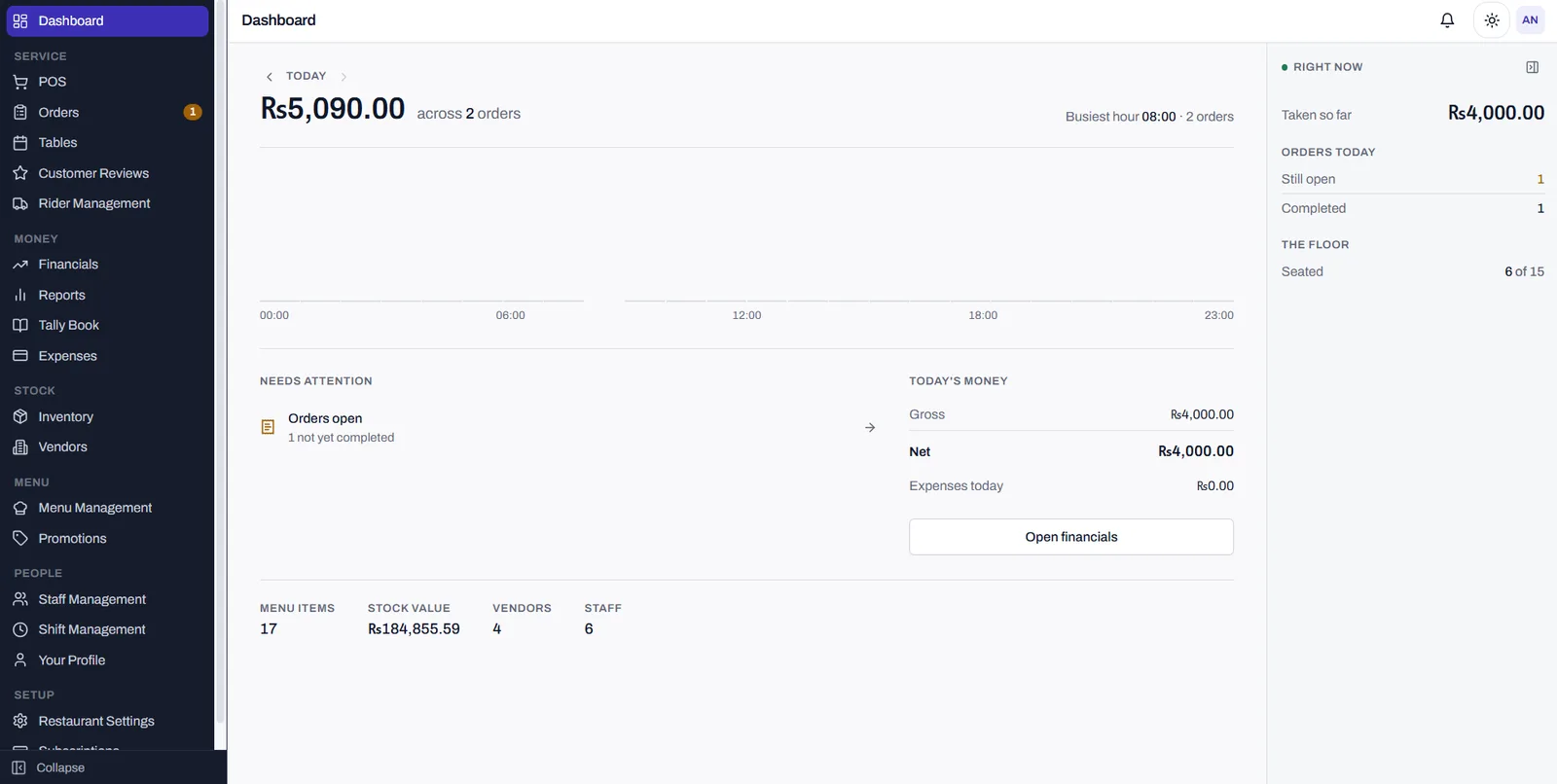
Point of sale, kitchen and serving screens, tables, menu and recipe costing, inventory, vendors, staff and shifts, cash reconciliation, double-entry accounting, reporting and online ordering all sit under one login. Seventeen modules in total; which ones a restaurant gets depends on the package, and plans move up without moving data.
It is built for Pakistani operators specifically. PRA fiscal invoicing is supported once configured — the tax authority's serial is the order number, so the trail from the till to the filing is a single number. Pricing is in rupees, currency is set per restaurant, and figures render tabular everywhere so columns of money line up.
The unglamorous parts are the point. Receipts and kitchen tickets are driven through QZ Tray for 80mm and 58mm thermal printers rather than a browser print dialog. The business day is a window you set, not the calendar day, so a Friday that ends at 2am is one Friday. Registers open and close against shifts with reconciliation, withdrawals and emergency cash tracked as their own ledger. Light and dark both ship on every plan — a kitchen at eleven at night is not an office at nine in the morning.
Touch-speed ordering sized for a queue and bad lighting, across dine-in, takeaway, delivery and platform orders — with kitchen, serving and order-number screens meant to be read from metres away.
Chart of accounts, journal entries, P&L and platform settlement. Orders, shift closes, purchase orders, expenses and deliveries post to the ledger as they happen — expenses are posted to it, not logged beside it.
Tables seated, split, joined, moved and cleared as an actual floor plan; menu categories, groups, items, variations, add-ons and recipes; and stock with reorder levels, FIFO consumption and movement history.
Registers open and close against shifts with reconciliation, withdrawals and emergency cash as their own ledger — plus a Tally Book where the day's cash is counted and reconciled rather than noted in a book.
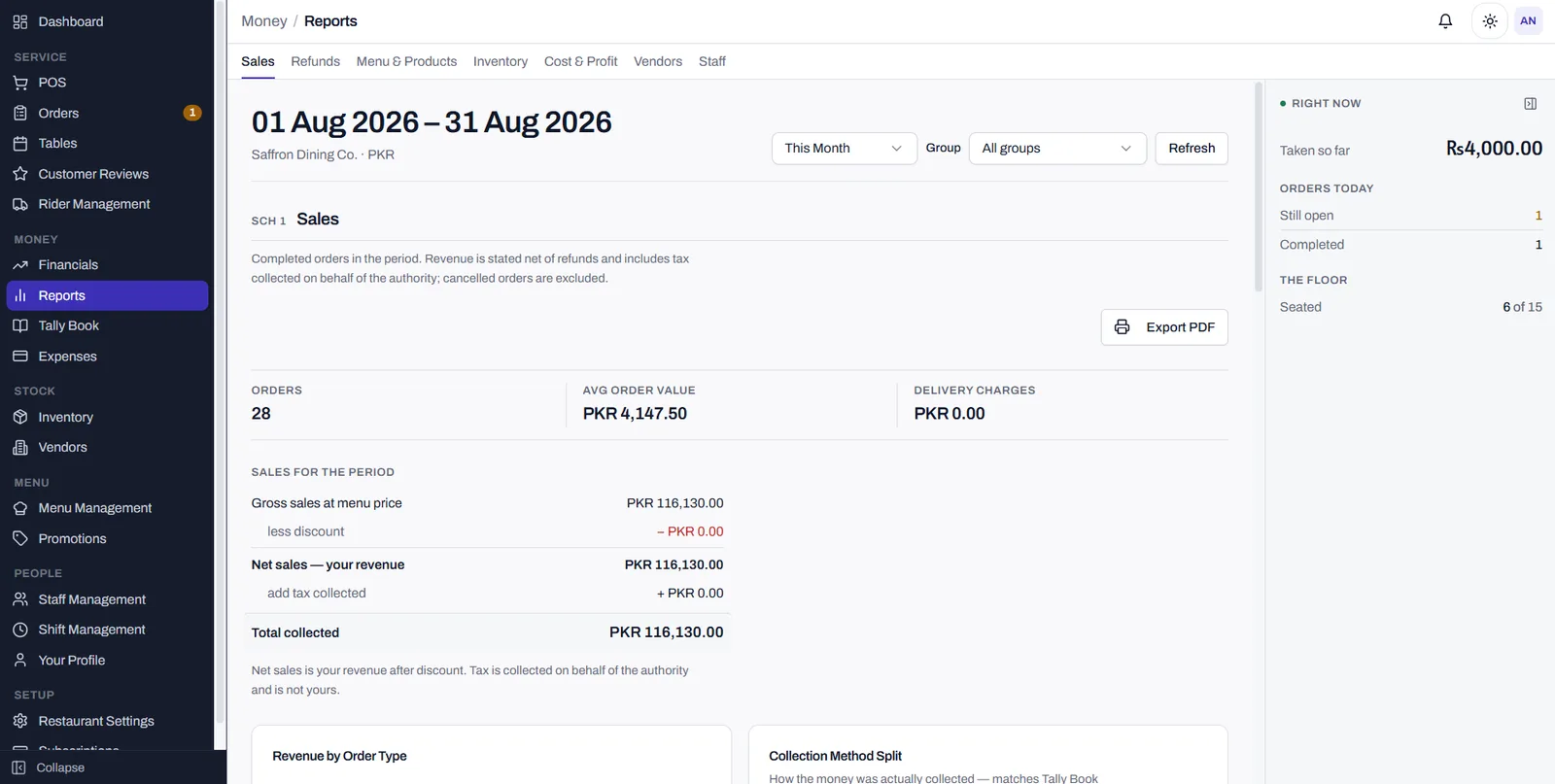
Sales, refunds, menu and products, inventory, cost and profit, vendors and staff — each a numbered schedule under one governing period, stating what it includes, exportable to PDF.
Purchase orders with due dates and outstanding balances, roles and per-permission access with shifts and temporary cover, promotions with an approval trail behind every discount, and reviews tied to the order they're about.
PRA fiscal invoicing once configured, with invoice number, USIN, tax charged and total filed against the order. Higher packages add a public ordering page at the restaurant's own address, delivery-platform settlement reconciliation, refunds with a credit-note trail, and rider assignment.
Let’s turn it into a reliable, scalable software system.